DataBorder · patent pending
The data is
in the pixels.
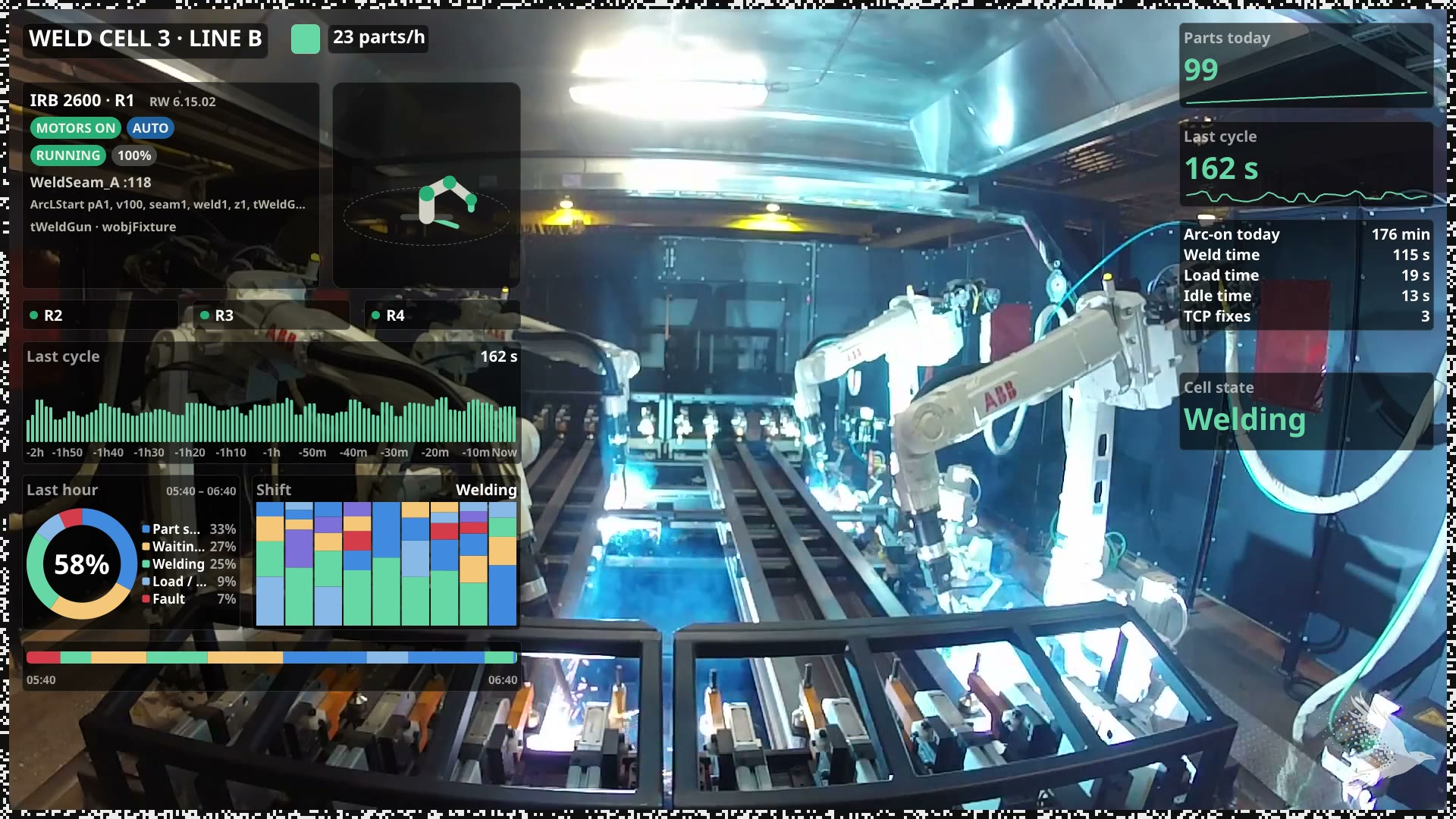
A ring of blocks around the edge of the frame carries live values, strings, and trends in the video stream. Wherever the video goes, the data goes with it.
01 The ring
One ring.
Everything rides in it.
The camera draws a thin band of gray blocks around the picture and writes the data into it. It is part of the image, so it is encoded, recorded, exported and played like the rest of the frame. The ring is the vessel: everything on this page rides in it.
02 Survival
Re-encode it. Clip it.
Screen-record it.
The data is in the pixels, so it rides with every copy and clip of the video. Second-generation copies, downscaled and re-encoded: the DataBorder is tuned and tested to be robust through all of them.
03 Values first, then a carousel
Live data every frame.
Everything else at its own pace.
The values that changed ride in every update. The space left over is a carousel with layers, each turning at its own tempo: names and context come round every few seconds, recent history over a minute, the camera's stored history over longer. Clip a few seconds and the values arrive with their context. Clip a few minutes and the history comes with them.
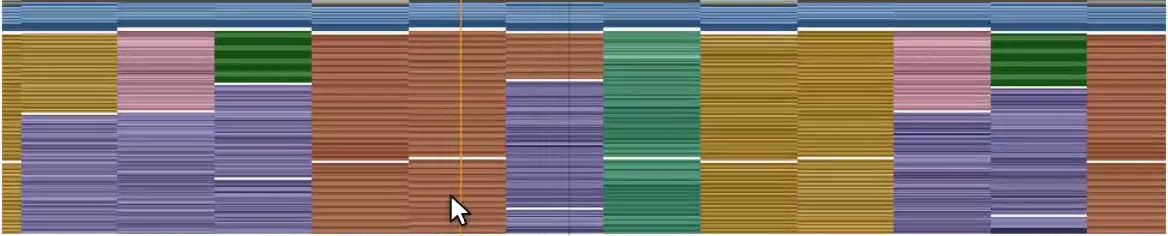
Alongside the values: the names of every record, the camera's identity and its state labels, recent history, the strings that were live, the signatures, and the camera's stored history for clips long enough to carry it. Which layer carries what is in the DataBorder docs.
04 Trust
Chained.
Signed by the camera.
Every update is linked to the one before it, and the camera signs the chain with a key that never leaves the device. Cut a clip, splice two together or change a value, and the chain breaks at exactly that update. The decoder shows where.
Signed, chained, decoded, tampered, gap. The decoder marks every span of a clip, so you know what came from the camera untouched and what did not.
05 Adaptive format
Set the thickness.
The ring fills itself.
The ring thickness is a camera setting: a thicker band carries more per update, a thinner one takes less of the picture. Whatever the size, the DataBorder sizes its own carousel to fit: live values first, then as much context and history as the ring has room for.