ABB robot
An ABB robot (Robot Web Services) connection reads an IRC5 or OmniCore controller. Its standard state is a catalog of signals, which the robot panel, the pose figure and the DataBorder's robot records read without tags.
Connection
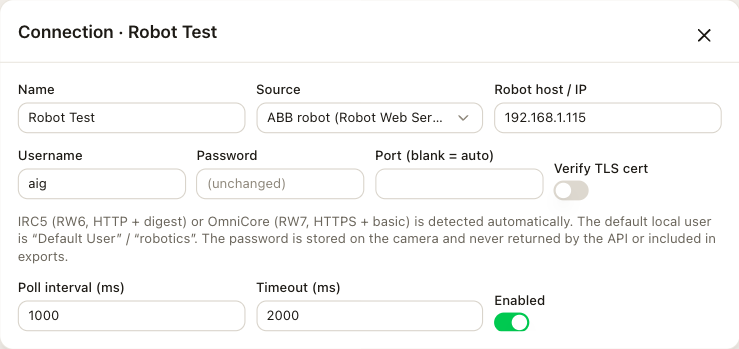
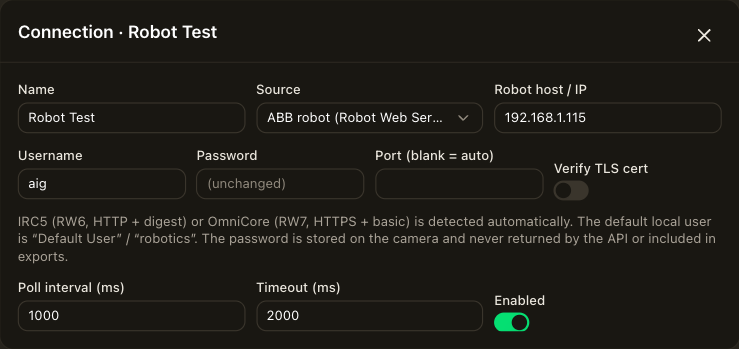
Open Connections, choose Add connection and set the source to ABB robot (Robot Web Services). The fields that every source shares are on the Connections page.
| Field | Description |
|---|---|
| Robot host / IP | This is the address of the robot controller. |
| Username, Password | The factory default is Default User with the password robotics. The password is stored on the camera and is never returned by the interface or included in exports. |
| Port (blank = auto) | Leave it blank. The camera tries HTTP and then HTTPS on the standard ports. |
| Verify TLS cert | OmniCore controllers ship with a self-signed certificate, so verification is off by default. Turning it on against a stock OmniCore fails the connection. |
IRC5 with RobotWare 6 over HTTP and OmniCore with RobotWare 7 over HTTPS are detected automatically.
Signals
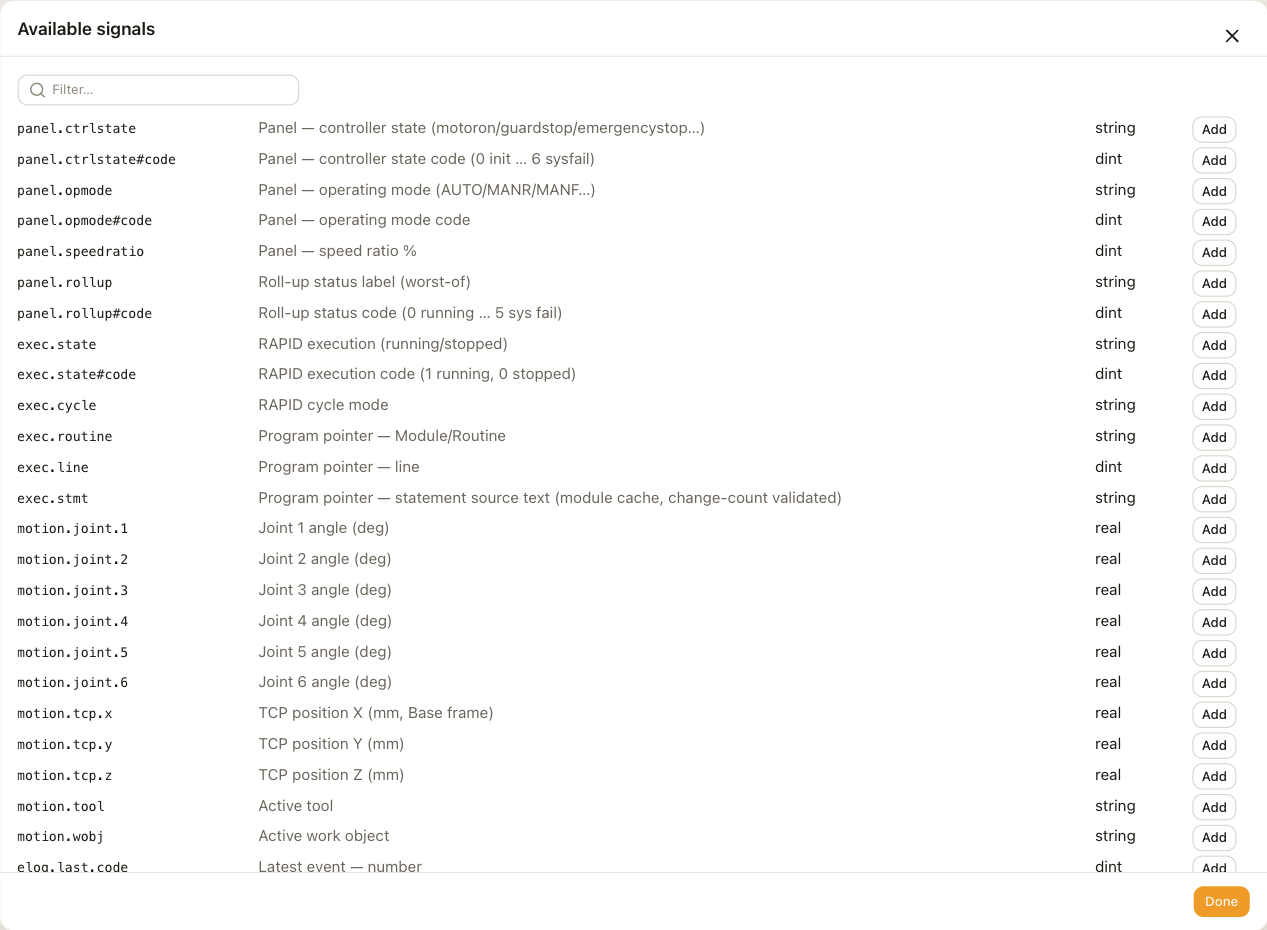
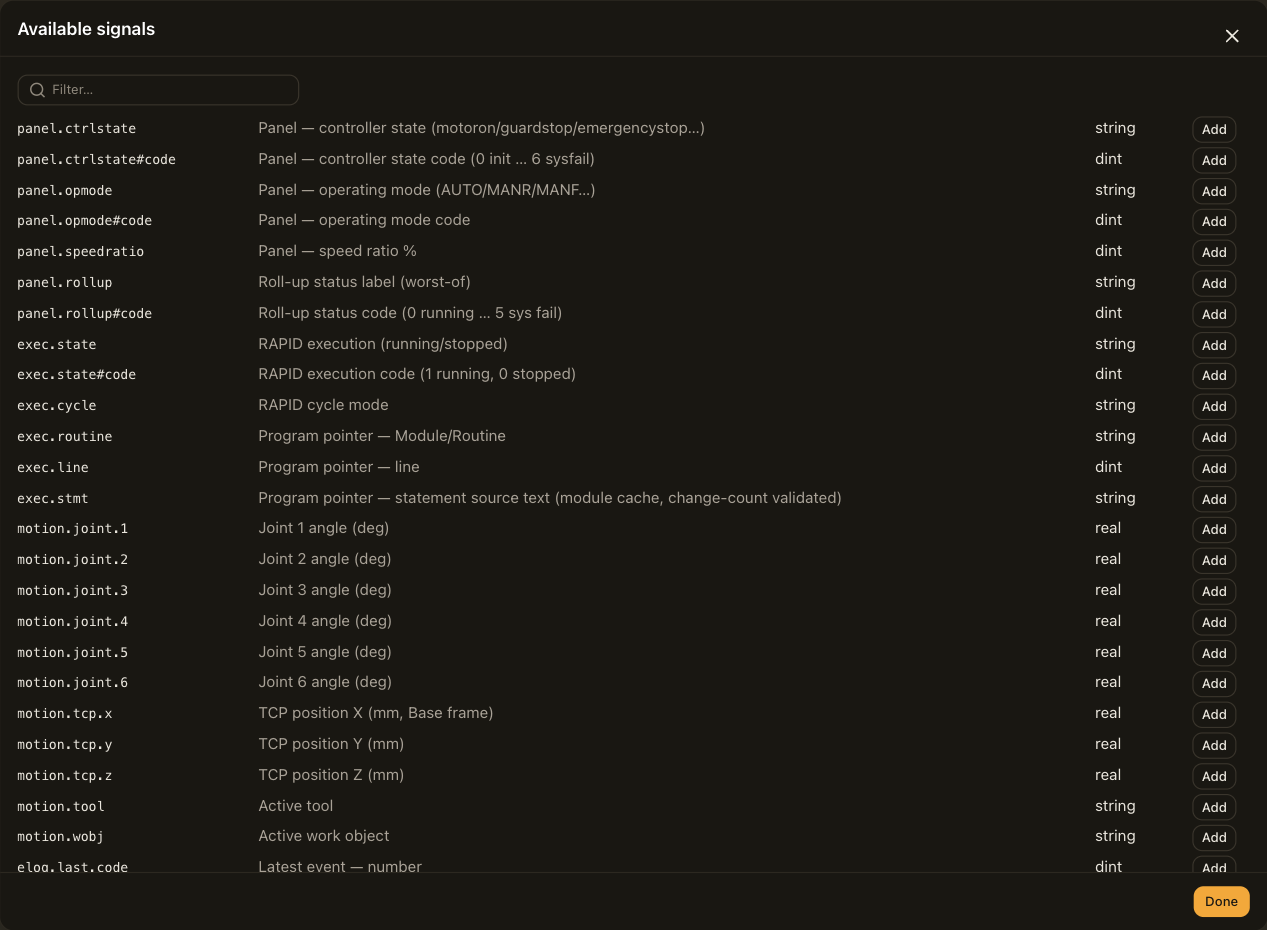
Open Tag library and choose Catalog next to the connection. The standard catalog is listed even while the robot is offline. When the robot answers, its I/O signals and RAPID symbols are listed after it.
| Group | Address | Reports |
|---|---|---|
| Panel | panel.ctrlstate, panel.opmode, panel.rollup, each also as #code; panel.speedratio | The controller state, the operating mode, the roll-up status, and the speed in percent. |
| Execution | exec.state and exec.state#code, exec.cycle, exec.routine, exec.line, exec.stmt | Whether RAPID is running, the cycle mode, and the program pointer as routine, line and statement. |
| Motion | motion.joint.1 to motion.joint.6, motion.tcp.x, .y, .z, motion.tool, motion.wobj | Joint angles in degrees, the TCP position in millimeters, the active tool and work object. |
| Events | elog.last.code, elog.last.severity, elog.last.title, elog.last.seq | The latest event log entry. Severity is 1 for information, 2 for warning and 3 for error. |
| System | system.name, system.rwversion, system.robottype, system.energy.power | The system name, the RobotWare version, the robot type and the average power in watts. |
The #code addresses are state tags and take a state map from these codes. See Tags.
| Address | Codes |
|---|---|
panel.ctrlstate#code | 0 init, 1 motoroff, 2 motoron, 3 guardstop, 4 emergencystop, 5 emergencystopreset, 6 sysfail |
panel.opmode#code | 0 INIT, 1 AUTO, 2 MANR, 3 MANF, 4 AUTO_CH, 5 MANF_CH, 6 UNDEF |
exec.state#code | 0 stopped, 1 running |
panel.rollup#code | 0 RUNNING, 1 STOPPED, 2 ALARM, 3 GUARD STOP, 4 E-STOP, 5 SYS FAIL |
The roll-up is a worst-of summary. It starts from the execution state, rises to ALARM for ten minutes after an error, and a guard stop, an emergency stop or a system failure overrides it.
Addresses by hand
Choose Add tag to read a signal that is not in the catalog. Each one costs one request per poll.
io:Network/Device/Signalreads an I/O signal. Two parts assume theLocalnetwork, and a bare name is searched for on the controller.rapid:Task/Module/Symbolreads a RAPID persistent, variable or constant. A record or an array takes a component after#, such as#xor#2.
Robot panel and pose figure
The Robots group on the overlay has two elements. Both are bound to the connection under Robot connection and need no tags.
| Element | Description |
|---|---|
| Robot panel | Detail level is Chip for the name and roll-up status, Compact for the state, mode, execution and speed chips, or Full, which adds the routine and line, the statement, the tool and work object, and an alarm row. |
| Pose figure | A schematic six-axis arm posed from joints 1, 2, 3 and 5, as an Isometric or a Side view. It is the same drawing for every robot model. |
The panel's height follows its detail level and base font size, so you set only its width. The alarm row shows the latest warning or error for ten minutes.
DataBorder records
Robot state records on the DataBorder page adds standard records for a robot connection, named r1.state, r1.speed and so on. Roll-up status, controller state, operating mode, execution, speed and routine are selected to start with. Program line, statement text, joints and TCP position change on every poll while the robot moves, so add them only when the stream needs the pose.
Alarm burst adds a group with the alarm's code, severity and text, and the routine, line and statement the program pointer was at when the alarm landed. A new alarm also forces a full snapshot, so a clip that starts at the fault is self-contained. Strings in the stream are cut at 64 bytes.
Polling
One poll makes one request per group of signals, and only the groups that something uses are read. A panel reads the panel and execution groups, a figure adds the joints, and records and tags add theirs. One second is a sensible interval.
Limitations
- The connection reads one mechanical unit and one RAPID task, the first of each. A MultiMove controller shows its first robot.
- Only the latest event of each poll is kept. When a fault raises several entries in one second, the panel and the records show the last one.
Troubleshooting
The reason for the last failure is shown in the Connections row.
| Reason | Check |
|---|---|
| authentication failed (check username/password) | The username and password. The factory default is Default User and robotics. |
| robot unreachable | The host, and that the camera can reach the robot's network. |
| answered … but: HTTP 500 | Robot Web Services on the controller, which answered but did not serve the request. |
| RWS status … | The user's grants on the controller. A RobotWare 6 user needs read access to the resources it is asked for. |
| robot returned 503 (session limit) after retry | Other clients holding Robot Web Services sessions. Close them, or wait for their sessions to expire. |
| robot stopped answering (3 polls) | The robot went offline while connected. Values keep their last reading with a ! until it is back. |