Clips
The decoder needs only the video. A clip exported from the recorder, a file someone sent you, and a screen recording of the live view all decode the same way, because the DataBorder is in the pixels.
Files
Drag one or more MP4 or MOV files anywhere onto the page. The whole page is a drop target. You can also open clips and choose browse… to pick files. The decoder decodes each file in the browser and keeps the result in the tab. Nothing is uploaded, and nothing is written to disk. Closing or reloading the tab discards everything.
A job card shows the clip being decoded, its progress in frames, and a stop button. Stop discards the whole clip and stores nothing. One clip decodes at a time. A clip dropped while another is running waits its turn.
Other containers need converting to MP4 first. A remux keeps every frame as the camera produced it, so the DataBorder stays intact:
ffmpeg -i recording.mkv -c copy recording.mp4
Stored data
For every clip, the decoder keeps three things:
- The value changes.
- The span during which each state or string was live.
- The trust spans that the trust band shows: signed, chained, decoded, tampered with, or missing.
The decoder uses the video file only for playback beside the timeline.
If a file contains no DataBorder, the decoder rejects it with the message "no DataBorder data recovered". See Troubleshooting.
Library
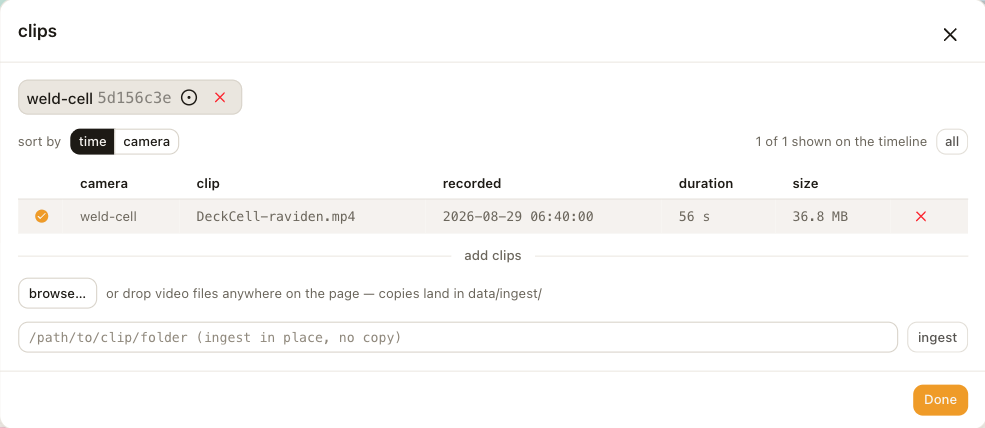
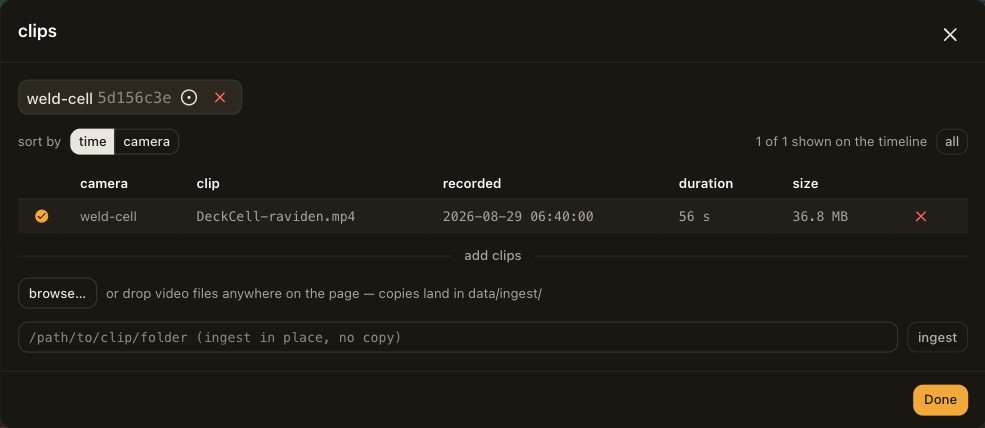
The clips button in the header shows the current selection and opens the library. One badge per camera sits at the top of the library. The badge shows the first characters of that camera's signing-key fingerprint. Below the badges is the table of clips, with the camera, the file name, the recording time, the duration and the size.
Click a row to show only that clip on the timeline. Tick several rows, on one camera or across cameras, to show them together. The video panel then plays through them in order.
The camera's identity comes from the DataBorder, not from the file name. Clips from one camera share one timeline whatever they were called. A clip of only a few seconds is too short to carry the identity, and the library lists it under a camera named "unknown".
Deleting a clip removes its decoded data from the tab.