Export and import
Export the configuration
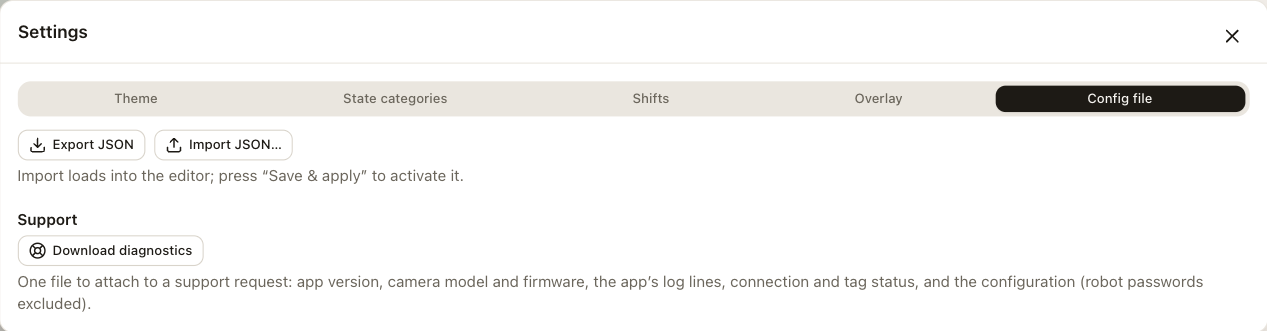
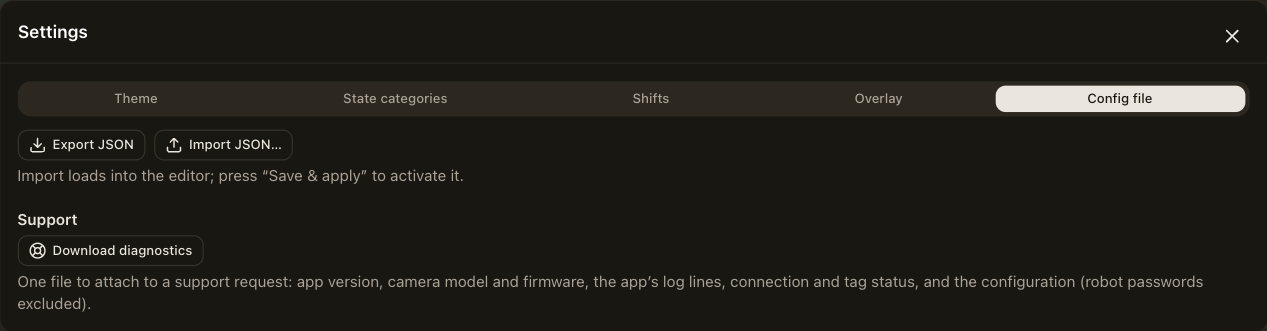
Settings → Config file → Export downloads the whole configuration as a JSON file. It contains the connections, the tags, the overlay, the DataBorder settings and the global settings. Keep it as a backup or import it on another camera. Robot passwords are never included.
The format is documented in the configuration reference. The camera validates any file you import against the same rules it uses for its own interface.
Import a configuration
Settings → Config file → Import loads a file into the editor. Nothing changes on the camera until you choose Save & apply, so you can review the imported configuration first. If the file is not a RAVidEn configuration, the import is refused.
To move a configuration to a second camera, import it, change the connection addresses if the second camera talks to a different controller, and save.