Connections
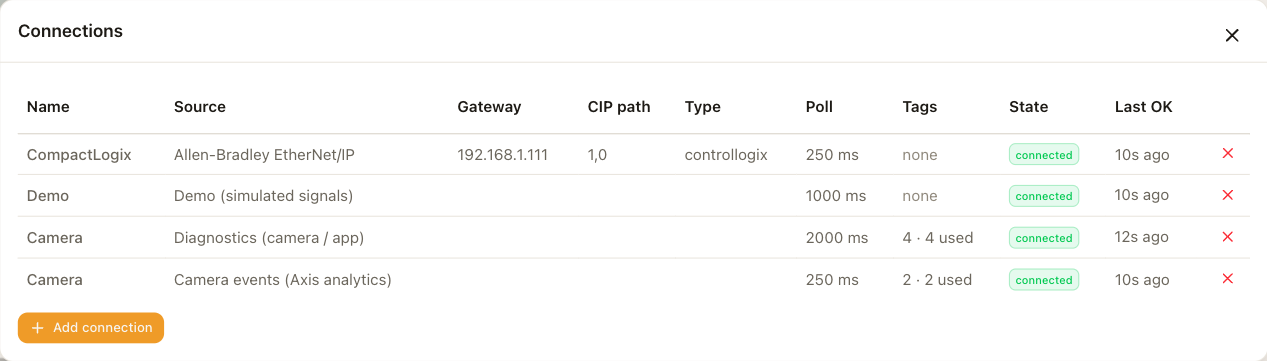
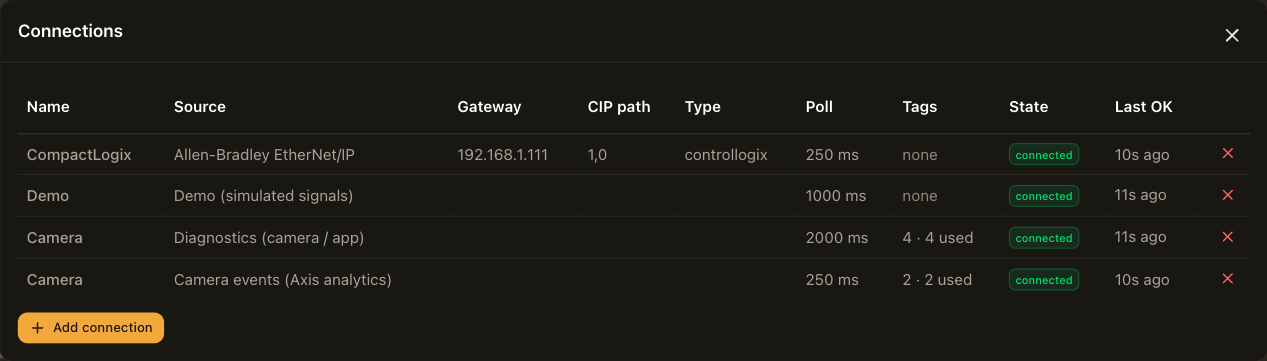
Open Connections from the navigation bar. Each row is one data source. A camera can have several connections, for example two PLCs, a PLC and a robot, or a real controller alongside the demo source.
Sources
| Source | Reads from |
|---|---|
| Allen-Bradley EtherNet/IP | A Logix, MicroLogix, Micro800, SLC 500 or PLC-5 controller. See Allen-Bradley. |
| ABB robot (Robot Web Services) | An IRC5 or OmniCore robot controller. See ABB robot. |
| Camera events (Axis analytics) | The camera's own analytics, motion detection, tampering alarm and I/O ports. See Camera events. |
| Demo (simulated signals) | Signal generators built into the application, for building a layout without a controller. See Demo and diagnostics. |
| Diagnostics (camera / app) | The camera's CPU, memory and temperature, and the application's counters. See Demo and diagnostics. |
Add a connection
Choose Add connection and pick the source. The address and credential fields depend on the source and are described on its own page. These fields apply to every source.
| Field | Description |
|---|---|
| Name | The name is how the connection appears in the tag library and in the DataBorder. |
| Poll interval | This is how often the camera reads the tags, from 100 ms to 60 s. One second is a sensible starting point. Faster polling uses more camera CPU. |
| Timeout | This is how long a read may take before it counts as failed. |
| Enabled | Turn this off to pause a connection without deleting it. |
Choose Save & apply and the connection starts. Its state is shown in the row as connecting, connected, error with the reason, or disabled. The Last OK column shows the time of the last successful read.
Controller dropouts
The camera retries automatically. It waits a little longer after each failed attempt, up to 30 seconds between attempts, and reconnects on its own when the controller is back. The reason for the last failure stays visible in the Connections panel while it retries.
On the video, each value keeps showing its last reading with a ! after it until reads succeed again. Values do not go blank, so a viewer can tell the difference between a value that is zero and a value that is stale.
Only used tags are polled
Adding a connection does not read anything by itself. The camera polls a tag only when something uses it, which means an element on the overlay, a record in the DataBorder, or a derived state. The Tags column in the Connections panel shows how many tags a connection has and how many of them are actually polled. See Tags.
Deleting a connection
Deleting a connection also deletes its tags. The panel warns you how many tags are affected. Any overlay elements or DataBorder records that used them are removed when you save.