Mazak MTConnect
The Mazak CNC (MTConnect) source reads a machine with a SmoothX or Smooth-G control through the MTConnect agent on the control. The agent is read-only and needs no credentials. A connection on this source is a CNC device. Its panels, roll-up, alarms and managed tags are on the CNC machines page. This page covers the connection.
Connection
Choose Add connection and pick Mazak CNC under CNC machines. The fields that every source shares are on the Connections page.
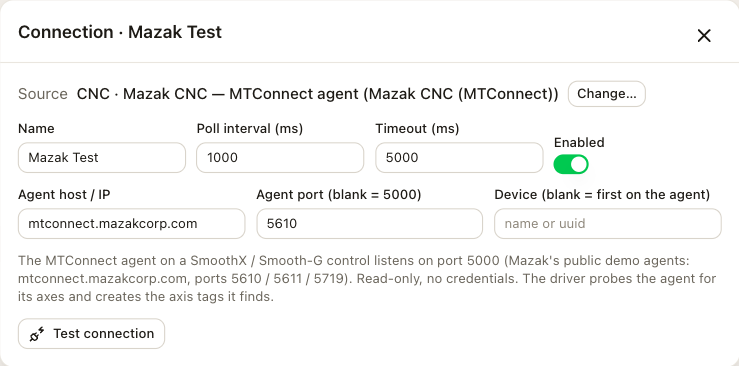
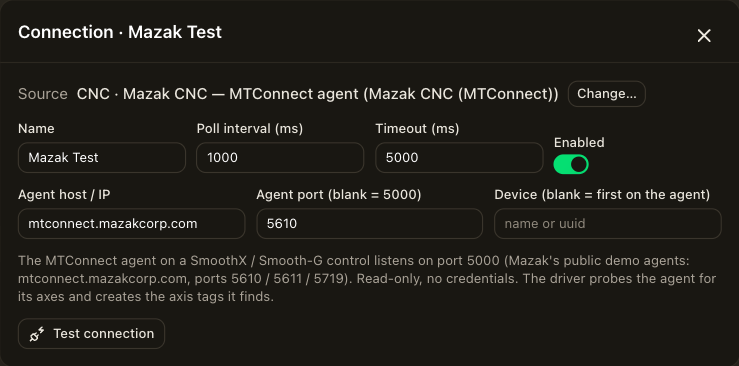
| Field | Description |
|---|---|
| Agent host / IP | The address of the MTConnect agent. On a SmoothX or Smooth-G control, the agent runs on the control. |
| Agent port (blank = 5000) | Leave it blank. The agent listens on port 5000 unless the machine's network settings say otherwise. |
| Device (blank = first on the agent) | The device name or uuid, for an agent that serves several machines. Leave it blank for a single machine. |
On connect, the camera reads the agent's device description once to find the machine's serial number, its data items, its spindle and its axes. Each poll then reads only the observations since the last poll, so the camera still sees a state that changed and changed back between two polls. Test connection connects once with the settings in the form and reports the result before you save.
Catalog
Open Tag library and choose Catalog next to the connection. The list shows the profile's catalog even while the machine is offline. When the agent answers, the axes and spindles found on the machine follow, then the machine's own data items as id: addresses. Every address, its type and its state codes are on the profiles page.
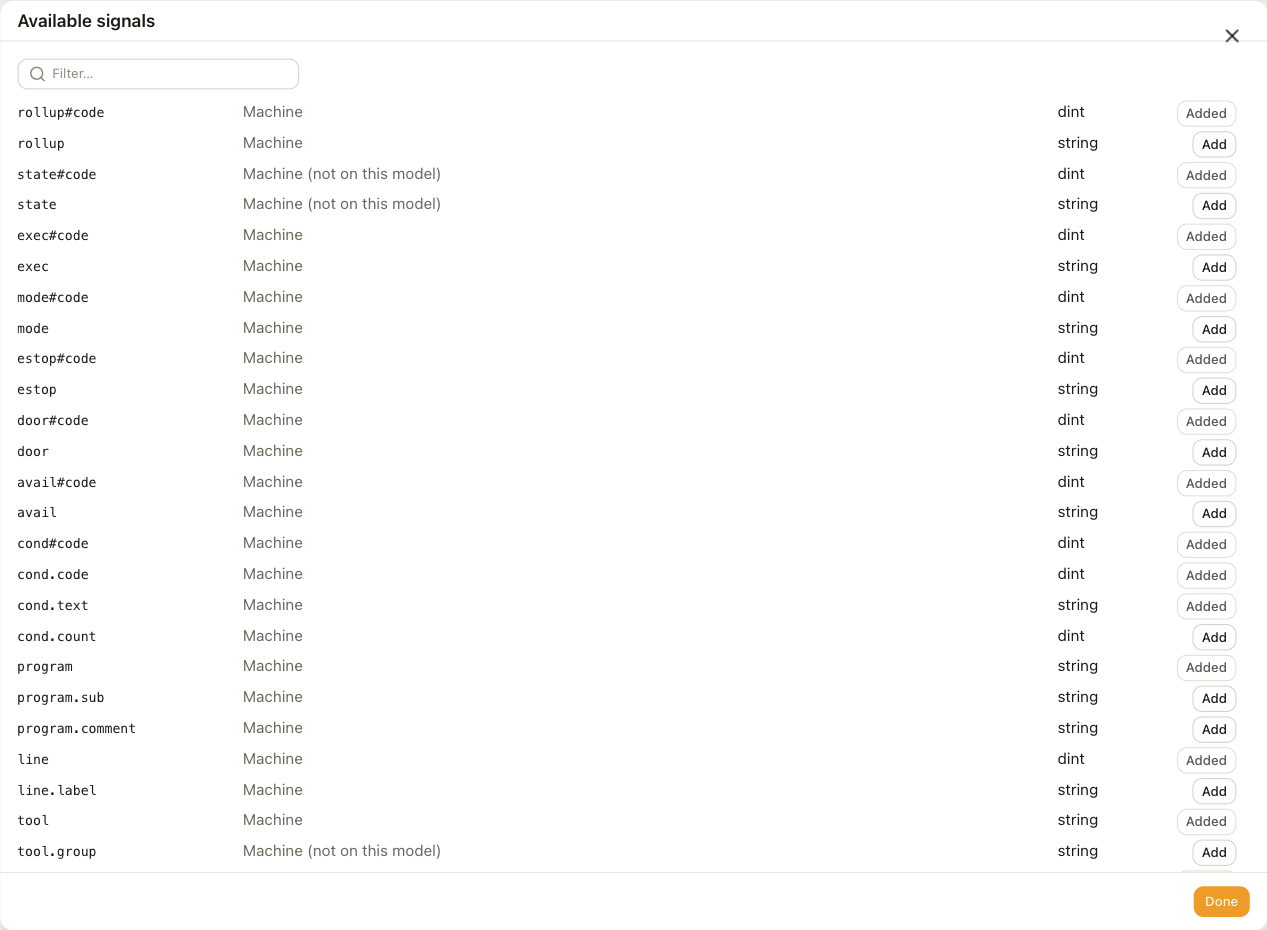
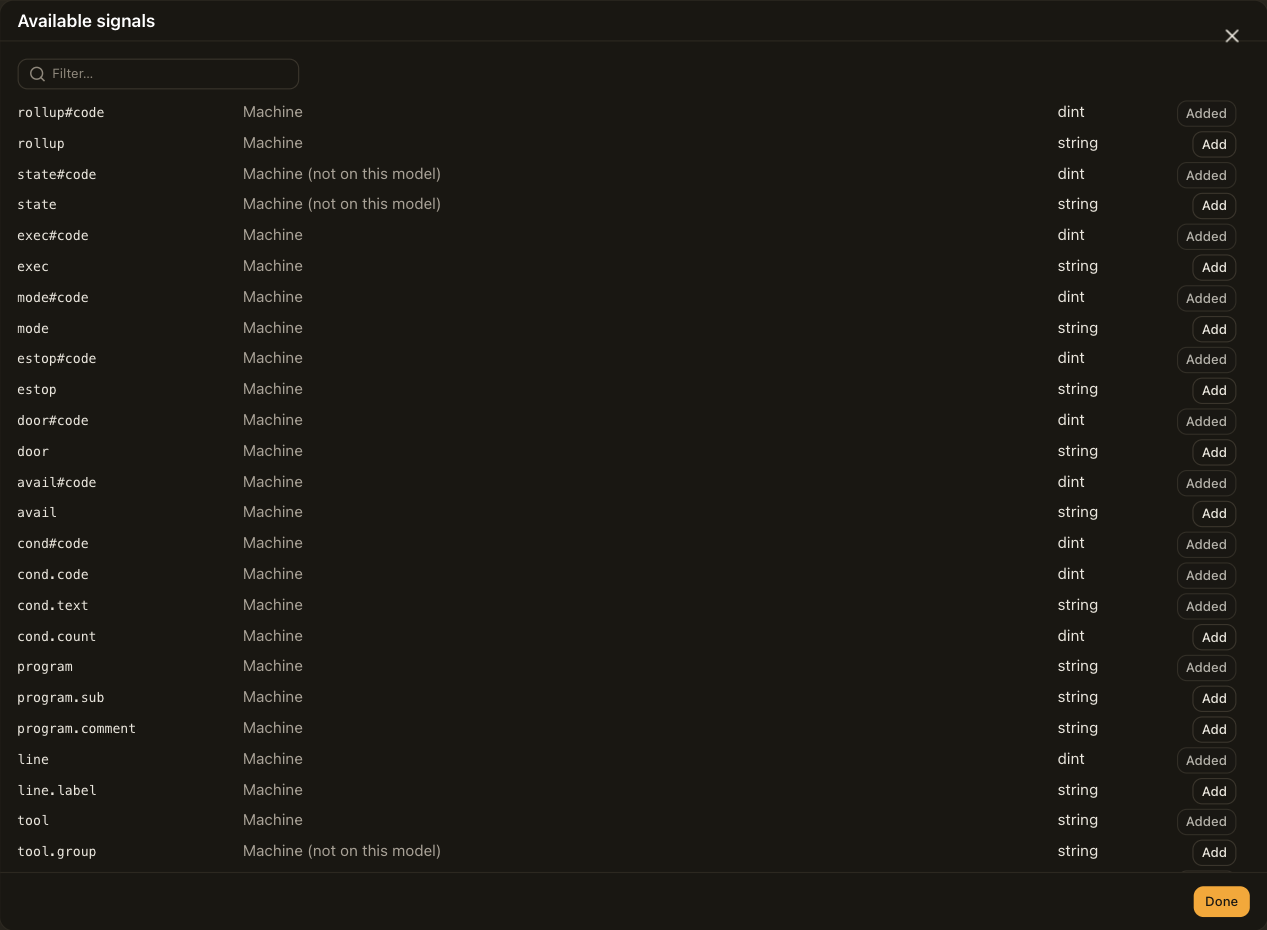
The catalog addresses are the same for every machine, so a configuration moves between machines whose data item ids differ without edits.
Addresses by hand
Choose Add tag to read a data item that is not in the catalog. Enter id: followed by the item's id, for example id:PartCountAct. The tag reads the item as the agent names it.
Once the agent answers, the catalog lists the ids the machine offers. An id: address applies only to the machine it came from.
Polling
One poll makes one request to the agent for everything that changed since the last poll, whatever the number of tags. One second is the profile's default poll interval. After the agent restarts, the connection reads the current values again and continues.
Limitations
- The connection reads one device. An agent that serves several machines needs one connection per machine, each with its device set.
- The connection does not read tool life data from the agent's assets.
Troubleshooting
The Connections row shows the reason for the last failure.
| Reason | Check |
|---|---|
| no agent host configured | The host field. |
| agent unreachable: … | The host and port, and that the camera can reach the machine's network. The agent listens on port 5000 unless the machine was set otherwise. |
| HTTP … | The agent. It answered but did not serve the request. |
| probe: device … not found (agent has: …) | The device field. The message lists the devices the agent serves. |
| probe: bad XML | The host and port. Something other than an MTConnect agent answered. |
| agent stopped answering (3 polls) | The machine went offline while connected. The roll-up reads OFFLINE, the panel shows NO LINK, and values keep their last reading with a !. |