SNMP
The SNMP device source reads a device through its SNMP card, with v1, v2c or v3. With a profile, the connection is a UPS or an ATS / PDU device. Its panel, roll-up, alarm conditions and managed tags are on the UPS and ATS / PDU pages. Without a profile, the connection reads oid: addresses you enter by hand, and has no panel and no managed tags.
Connection
Choose Add connection and pick a profile under UPS or ATS / PDUs, or SNMP device under Generic. The fields that every source shares are on the Connections page.
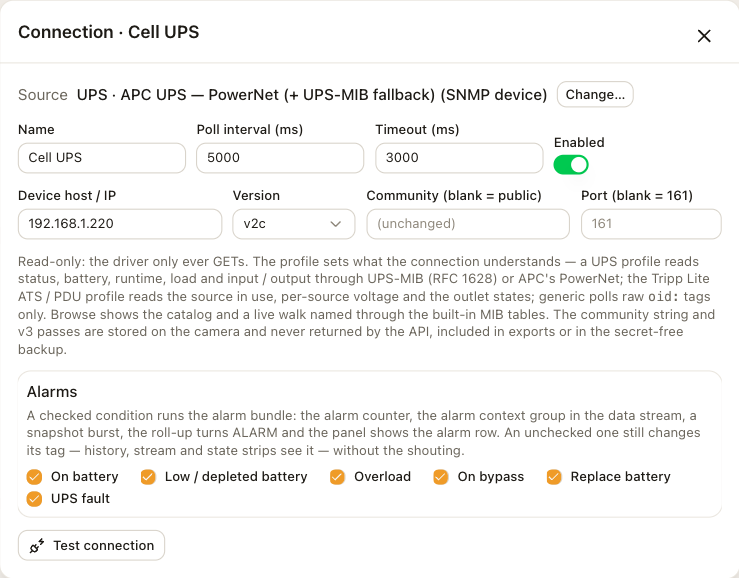
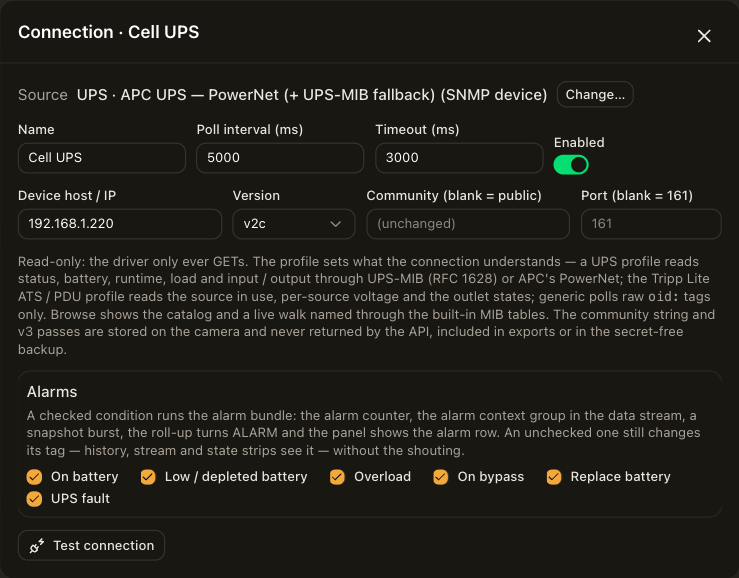
| Field | Description |
|---|---|
| Device host / IP | The address of the SNMP card. |
| Version | v1, v2c or v3 (USM). |
| Community | For v1 and v2c. Leave it blank for public. |
| User, Auth, Auth pass | For v3. The user, the authentication protocol and its pass. Authentication is off while the pass is blank. |
| Privacy, Privacy pass | For v3. The privacy protocol and its pass. Privacy is off while the protocol is none or the pass is blank. |
| Port | Leave it blank for 161. |
| Alarms | For a device, one checkbox per profile condition. See Devices. |
The camera stores the passes and never exports them. A pass left blank on save keeps its stored value. Test connection connects once with the settings in the form and reports the result before you save.
Catalog
Open Tag library and choose Catalog next to the connection. The list shows the profile's catalog even while the device is offline. When the device answers, its own objects follow, each named from the MIB. Every address, its OID sources and its state codes are on the profiles page.
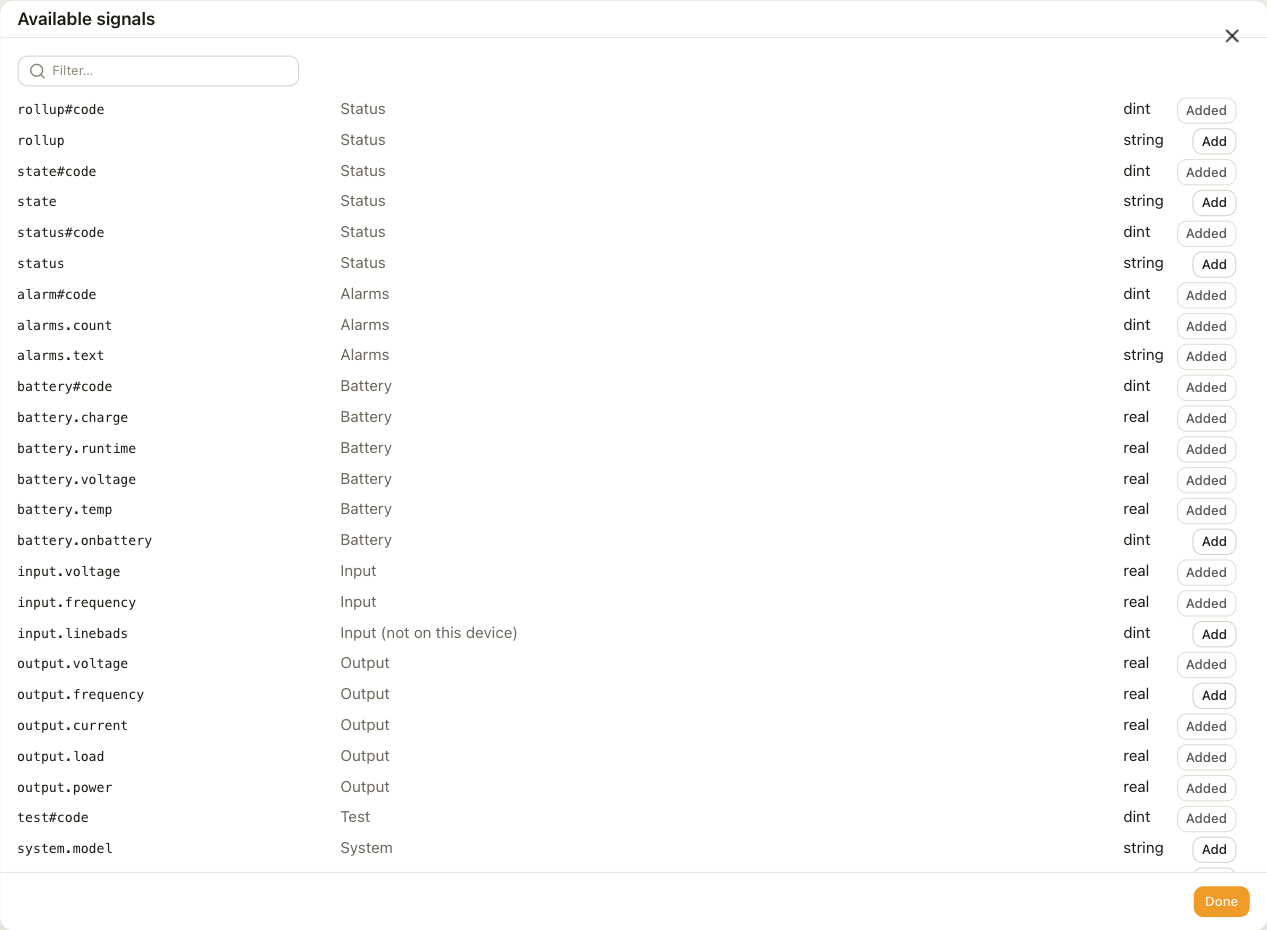
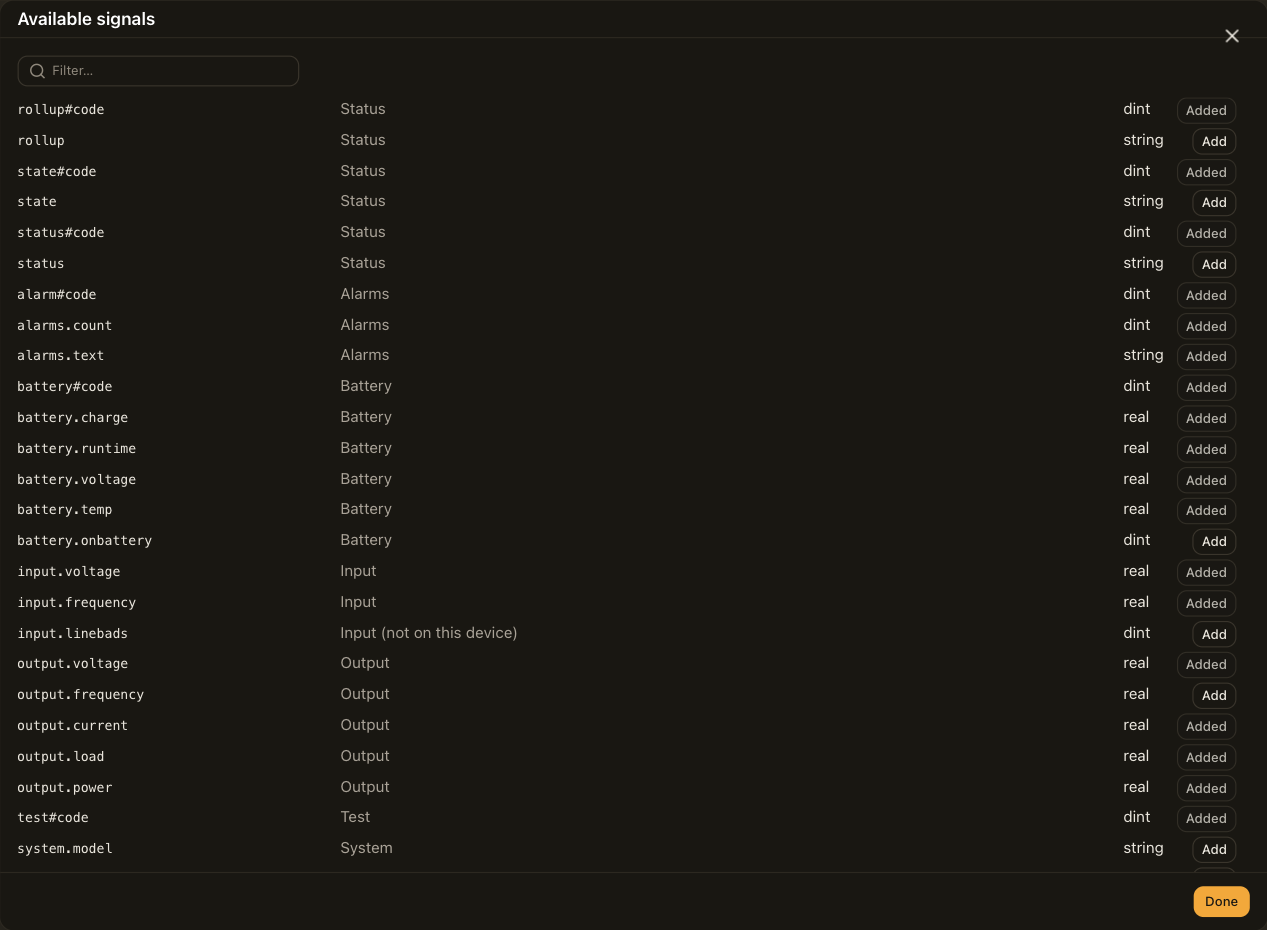
On connect, the camera probes each catalog object separately. It lists an object the device does not answer as not on this device and skips it. While connected, the camera probes the missing objects again every 60 s and adds any that start answering. On an ATS, the connection creates a tag for each input and outlet the device reports.
Addresses by hand
Choose Add tag to read an object that is not in the catalog. Enter oid: followed by the numeric OID and its instance, for example oid:1.3.6.1.2.1.33.1.2.4.0. The tag's data type and scale apply to the value. Once the device answers, the catalog lists the objects it offers.
Polling
One poll reads the catalog objects in GET requests of up to 24 objects each. The connection walks the alarm table only while the device reports an alarm. Five seconds is the profiles' default poll interval. After the device restarts, the connection probes it again and continues.
Limitations
- The connection reads one device. A card that serves several devices needs one connection per device.
- The connection does not receive traps and does not write any object.
Troubleshooting
The Connections row shows the reason for the last failure.
| Reason | Check |
|---|---|
| no host configured | The host field. |
| agent unreachable: no reply (timeout) | The host and port, and that the community or the v3 user and passes match the card. A wrong community reads the same as no card. |
| agent unreachable: … | The card's access settings. It answered but refused the request, and the message names the error. |
| not on this device in the catalog | Nothing. The device does not implement that object. |
| agent stopped answering (3 polls) | The device went offline while connected. The roll-up reads OFFLINE, the panel shows NO LINK, and values keep their last reading with a !. |