Verification
Every DataBorder update is linked to the one before it, and the camera periodically signs the chain with a key that never leaves the camera. The decoder checks both the links and the signatures, and the trust band shows the result.
The trust band
A clip that comes straight from the camera or the recorder is signed from end to end, with at most a short chained tail after the last signature. A tampered mark shows the exact update where the chain breaks, which means that frames were edited, spliced, or re-ordered there. A gap marks a cut or dropped frames.
The signatures tab under decoded data shows the detail. It lists each signature, whether it verified, and whether the chain head it signs matches what was captured. Only a signature that passes both checks raises a span to signed.
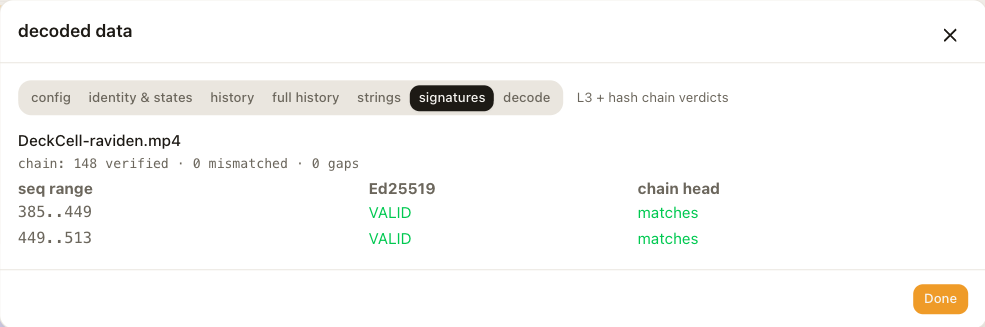
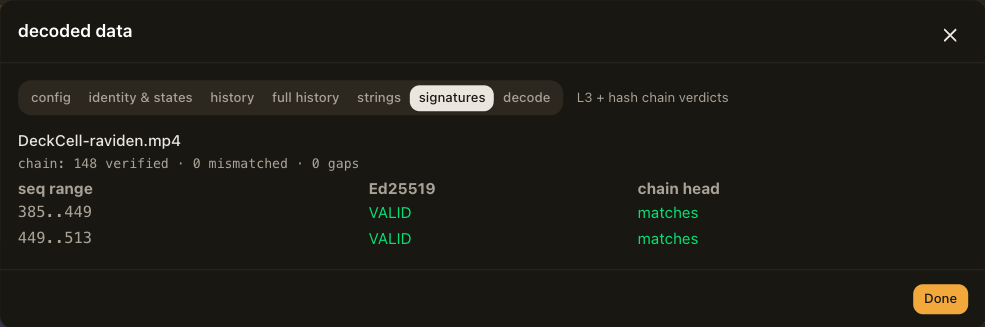
Camera identity
The camera's public key rides in the DataBorder itself, so the decoder can verify signatures without any setup. The first time the decoder sees a camera, it pins that camera's key. If a later clip that claims to be from the same camera carries a different key, the decoder warns you, marks the fingerprint with PIN MISMATCH under identity & states, and refuses to raise that clip's spans above chained.
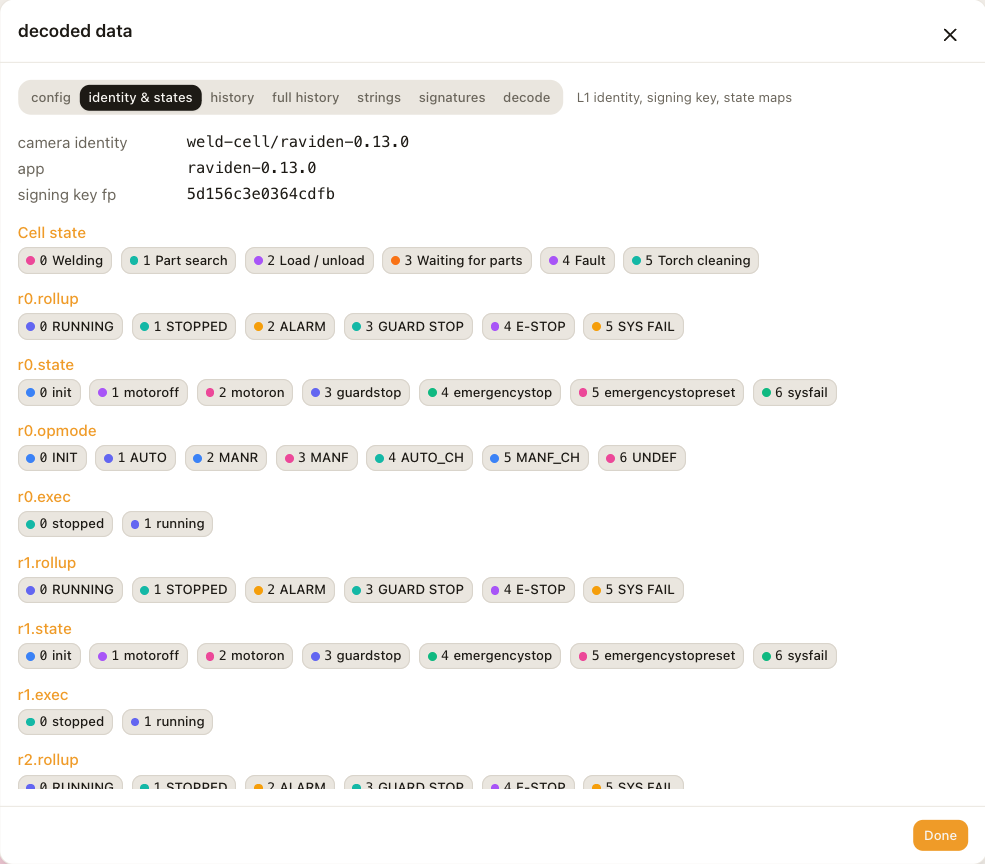
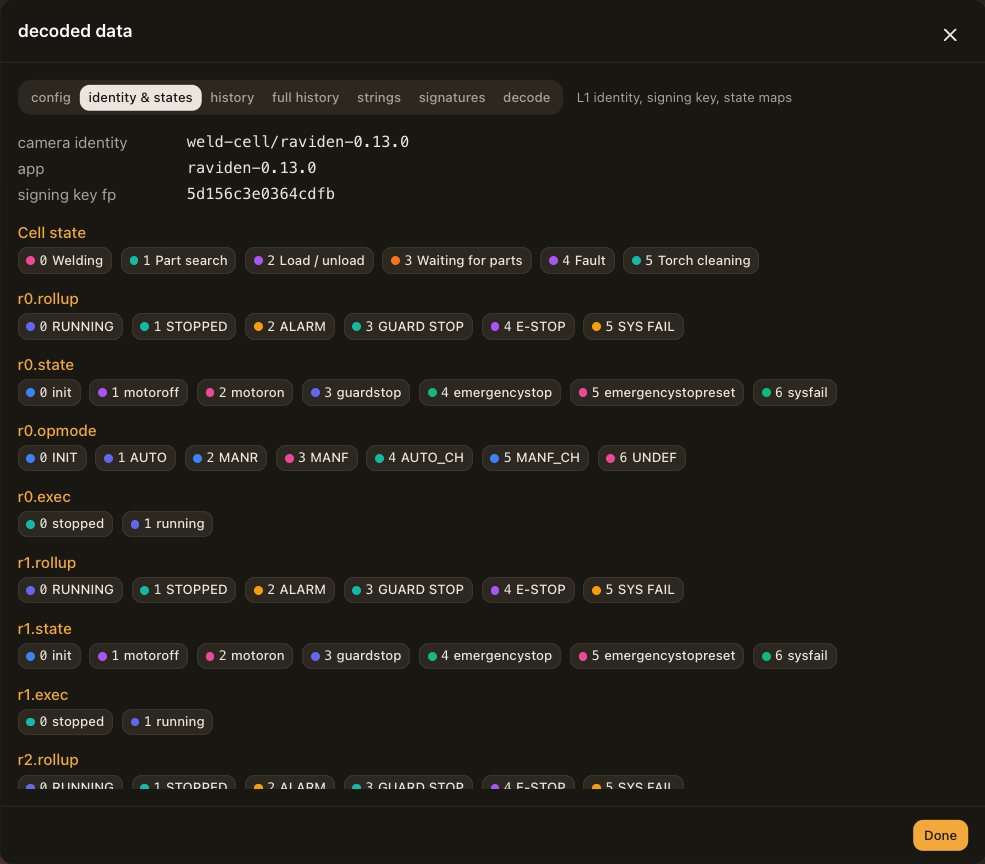
To tie the pinned key to the physical camera, compare the fingerprints:
- In the decoder, open decoded data and choose identity & states. Note the fingerprint. Its first characters also appear on the camera's badge in the clips library.
- On the camera, fetch the key from the RAVidEn API at
https://<camera>/local/raviden/ui/api/signing-keywhile you are logged in to the camera. The response contains the public key and its fingerprint.
If the two fingerprints match, every signed span in the clip was written by that camera.
Limits of verification
Signatures cover the data in the DataBorder, not the picture around it. Someone could re-encode the video or draw over it, and the values would still verify because the DataBorder itself was not altered. Cropping the ring away removes the data and the proof together.